Ship It

4 apps live in both stores

I've shipped apps for real businesses. Here's the exact way, so you can ship yours.

Get the app you built with Claude live in the App Store and Google Play. No Mac needed.

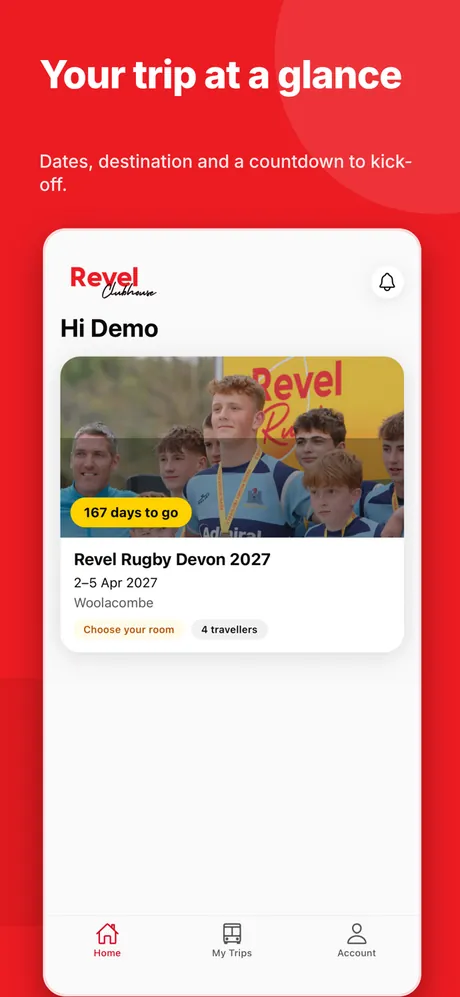
  • Revel Tours: Your trip at a glance, from its App Store listing
    Revel Tours
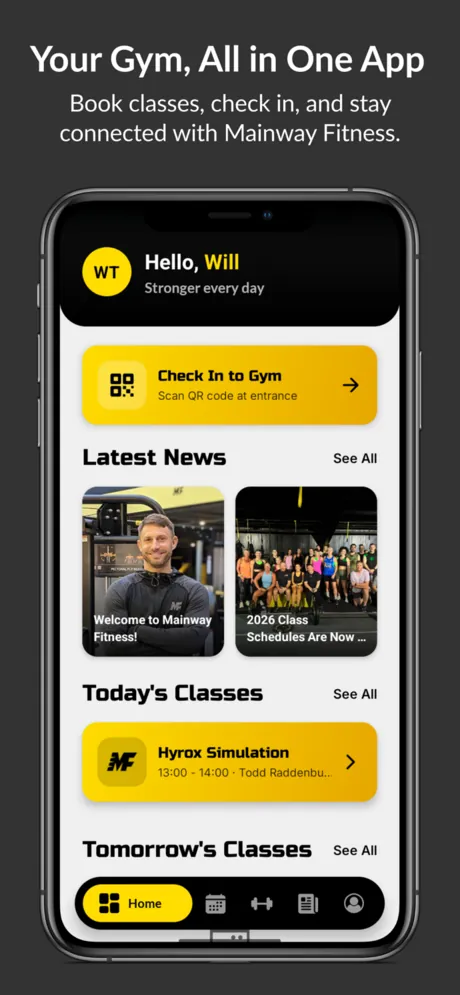
  • Mainway Fitness: Your gym, all in one app, from its App Store listing
    Mainway Fitness
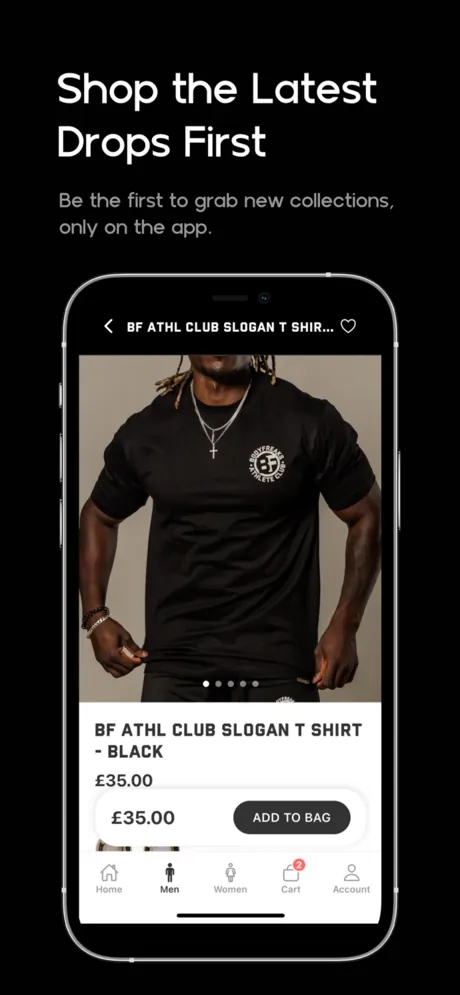
  • BodyFreaks: Shop the latest drops first, from its App Store listing
    BodyFreaks
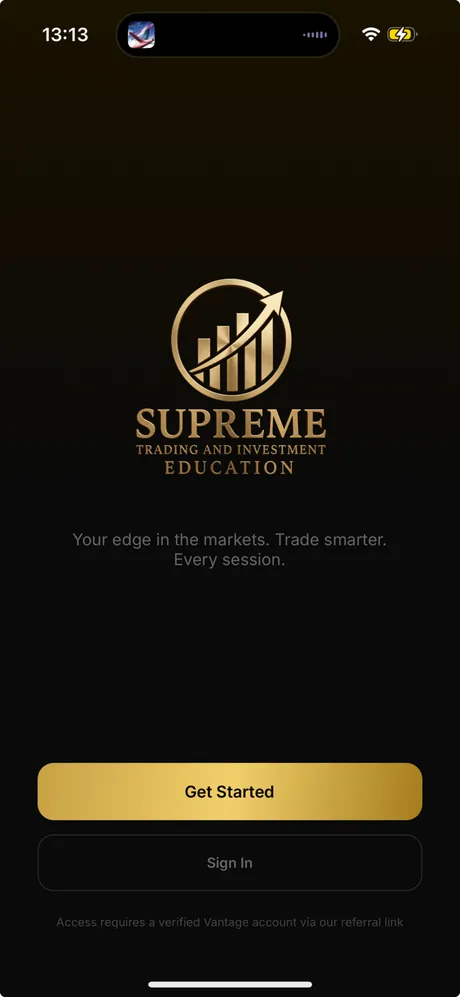
  • Supreme Trading: Welcome screen, from its App Store listing
    Supreme Trading
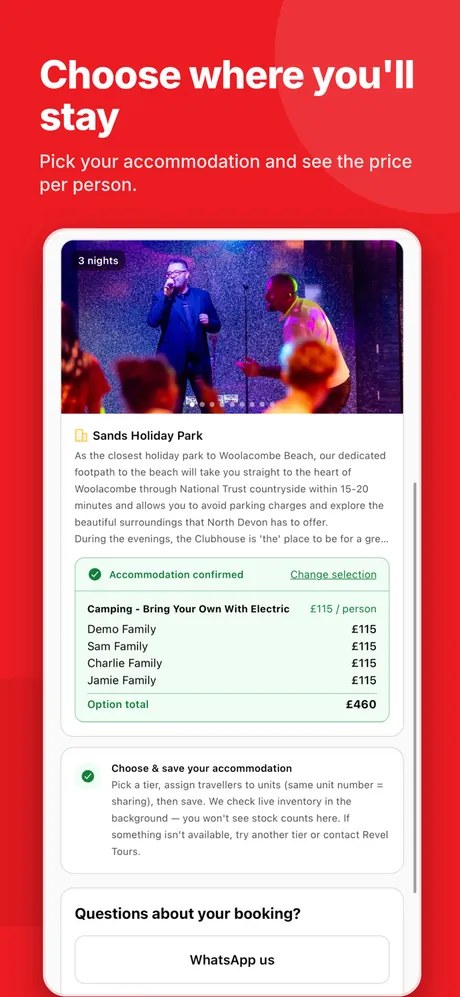
  • Revel Tours: Choose where you'll stay, from its App Store listing
    Revel Tours
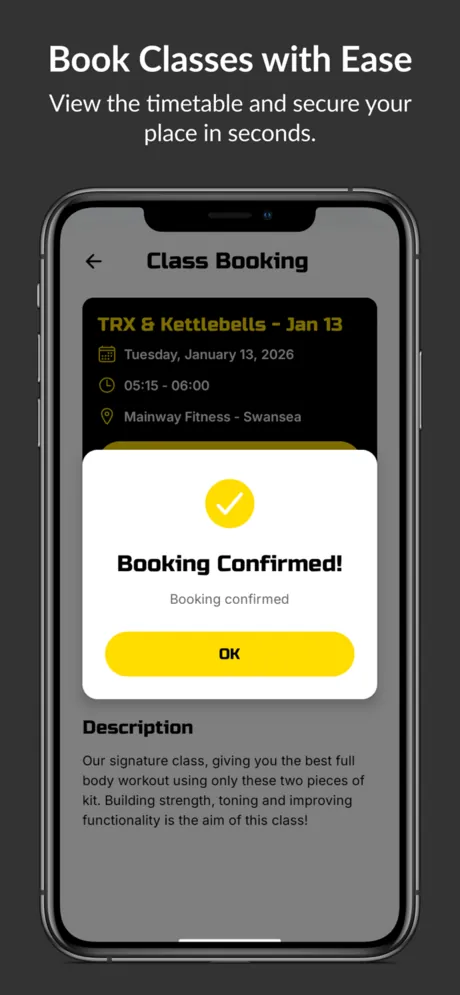
  • Mainway Fitness: Book classes with ease, from its App Store listing
    Mainway Fitness
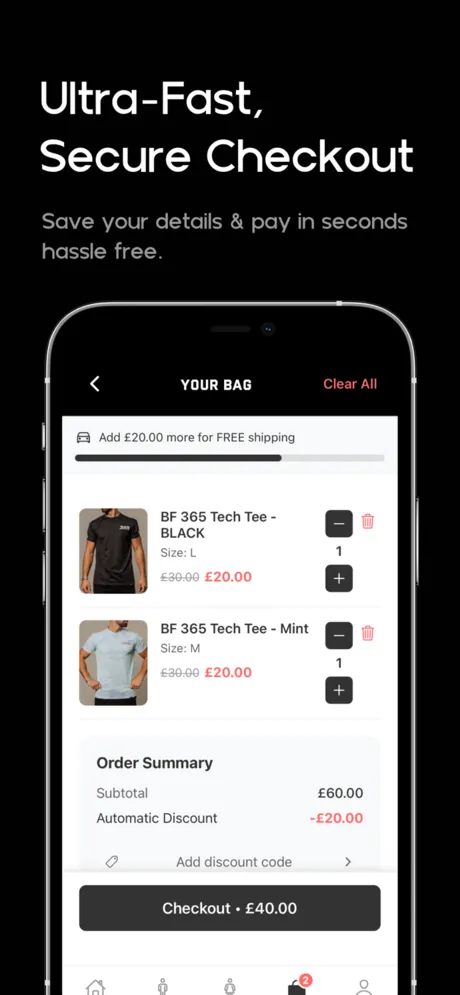
  • BodyFreaks: Ultra-fast, secure checkout, from its App Store listing
    BodyFreaks
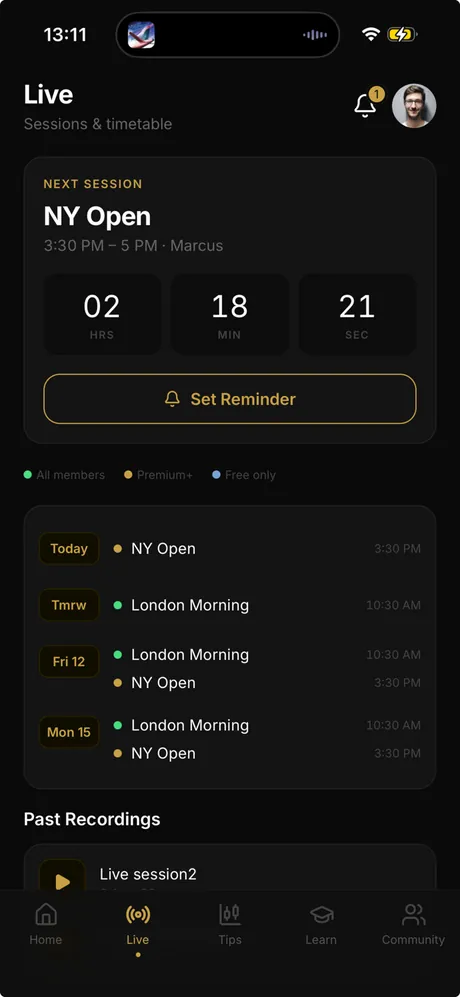
  • Supreme Trading: Live sessions and timetable, from its App Store listing
    Supreme Trading

It works on your phone. So why isn't it in the App Store?

You built it. It runs. Then you hit the part nobody warned you about.

  • Build failed
  • Certificates
  • Guideline 3.1.1
  • Privacy labels
  • 12 testers for 14 days
  • Rejected again

None of this is about code. It is about knowing the steps, in order.

From a failing build to "Waiting for Review" in one sitting.

In June 2026 I had to get Supreme Trading into the App Store. The build was failing.

Claude did nearly all of the submission through Apple's API. In one session the app went from a failing build to "Waiting for Review".

Ship It is that way of working, written down so you can follow it.

  1. Build failed
  2. Waiting for Review

Three steps from stuck to live

  1. Step 01

    Ready

    Your Apple and Google accounts, signing and app config, set up properly the first time.

  2. Step 02

    Built

    Your first real build in the cloud, and how to read the error when it fails.

  3. Step 03

    Live

    Your listing, screenshots and privacy labels. Then submitting, and replying to review.

What you get

CoreArrives on release

The Ship It lessons

Screen recordings with my voice, about ten minutes each. Accounts and money. Making the app store-ready. Your first real build and reading the error with Claude. The pre-flight rejection check. Listing, screenshots, age rating and privacy labels. Submitting and replying to review. Google Play and its testers rule. Fixing things after launch without a new review.
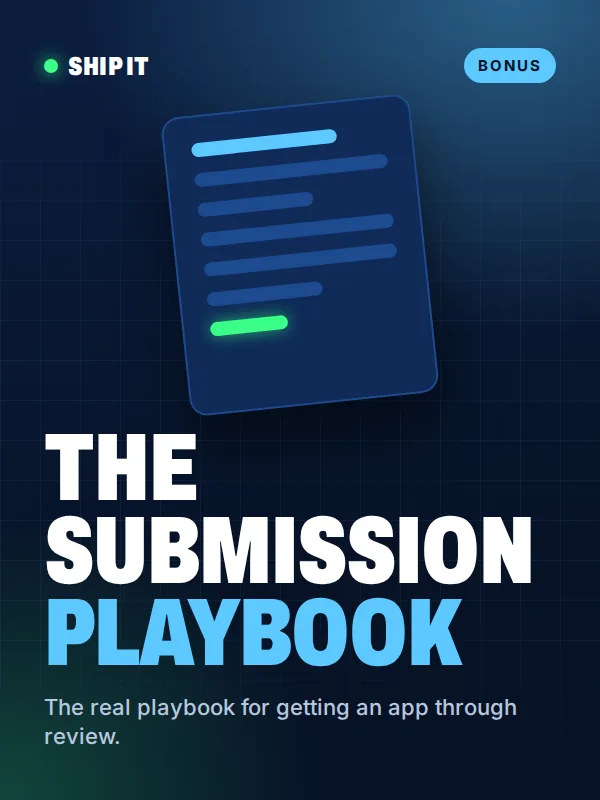
  • The Submission Playbook cover

    BonusInstant access

    The Submission Playbook

    My real playbook for getting an app through review. You get it the moment you pay.

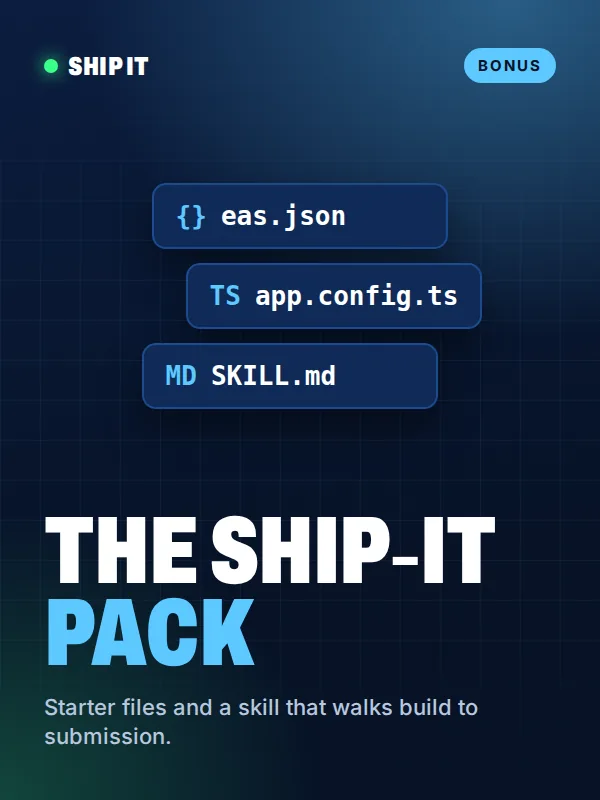
  • The Ship-It Pack cover

    BonusArrives on release

    The Ship-It Pack

    Starter instruction files, a Claude skill that walks it from build to submission, and starter eas.json and app.config.ts files.

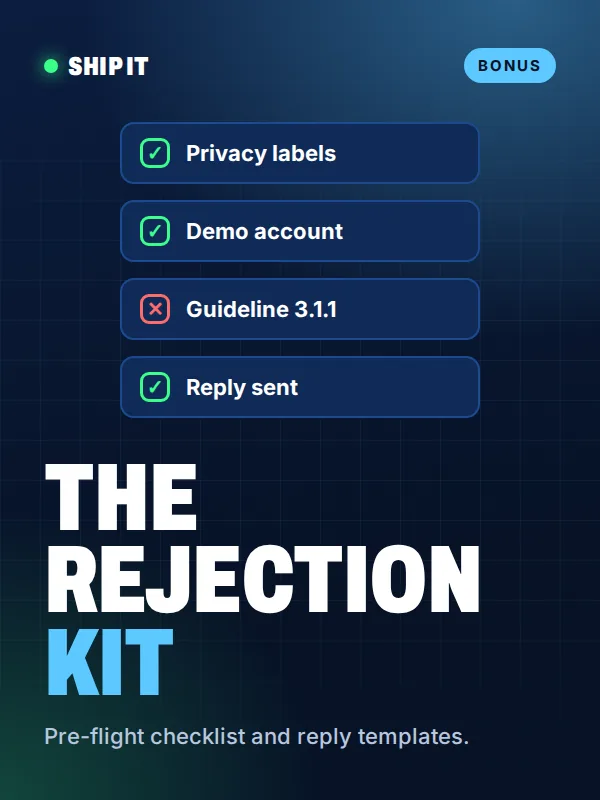
  • The Rejection Kit cover

    BonusArrives on release

    The Rejection Kit

    A pre-flight checklist and reply templates for the rejections people hit most.

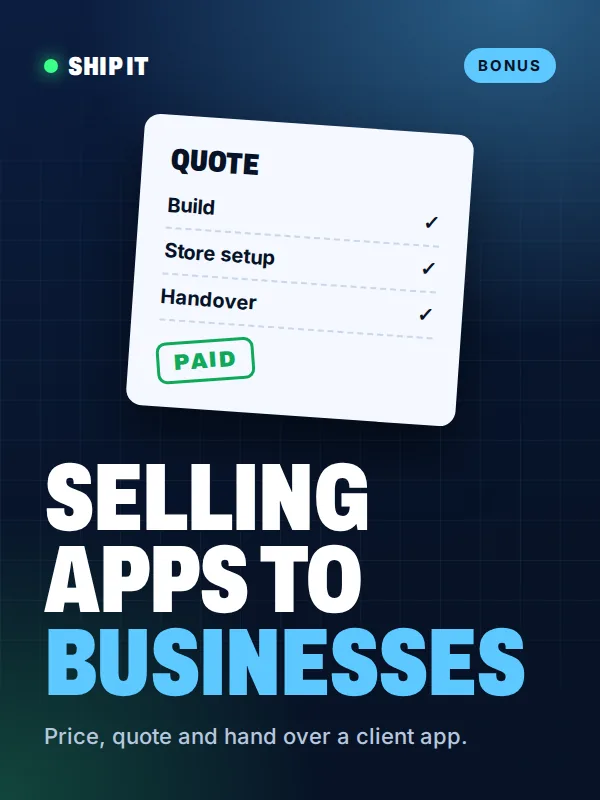
  • Selling apps to businesses cover

    BonusArrives on release

    Selling apps to businesses

    How to price, quote and hand over a client app without getting stuck with unpaid support.

Your receipt

  • The Ship It lessonsIncluded
  • The Submission PlaybookIncluded
  • The Ship-It PackIncluded
  • The Rejection KitIncluded
  • Selling apps to businessesIncluded

Founding price when doors open: £49

Join the list and I will email you when doors open.

Get the free Rejection Checklist

Live in 30 days, or your money back

Follow the steps. If your app is not live within 30 days of the lessons being released, and you can show me where you got stuck, I will refund you.

Before the lessons are released you can ask for a full refund at any time, no reason needed.

Read the terms

Is this for you?

This is for you if

  • You have built something with Claude, Cursor, Lovable or Bolt.
  • It works, but it isn't in the App Store or Google Play yet.
  • You want the exact steps from someone who has done it.

This is not for you if

  • You haven't built anything yet.
  • You want to learn to code from scratch.

Questions

Do I need a Mac?

No. The builds and submissions run in the cloud with EAS. A Windows or Linux computer is fine.

Do I need to code?

You will not write code from scratch. Claude does the technical work and you follow the steps.

What else does it cost?

Apple Developer Program: $99 a year (£79 in the UK). Google Play: $25 once. You pay those to Apple and Google, not to me.

Does it cover Android?

Yes. Google Play is covered in full, including the rule that new personal accounts need 12 testers for 14 days.

When do the lessons arrive?

On the release date. The Submission Playbook is yours the moment you pay.

What if I change my mind?

Ask for a full refund any time before the lessons are released. Email me and it is done.

You've done the hard bit. Ship it.

The app is built. What is left is a set of steps.

Get the free Rejection Checklist

Get the free Rejection Checklist

The checks to run before Apple or Google can reject you. Free.

I will only email you about Ship It. Unsubscribe any time.